Balzac integrates with GoHighLevel and can publish blog posts automatically.
You’ll need a few things to connect your GoHighLevel instance to Balzac:
- Your location ID
- An API Access Token
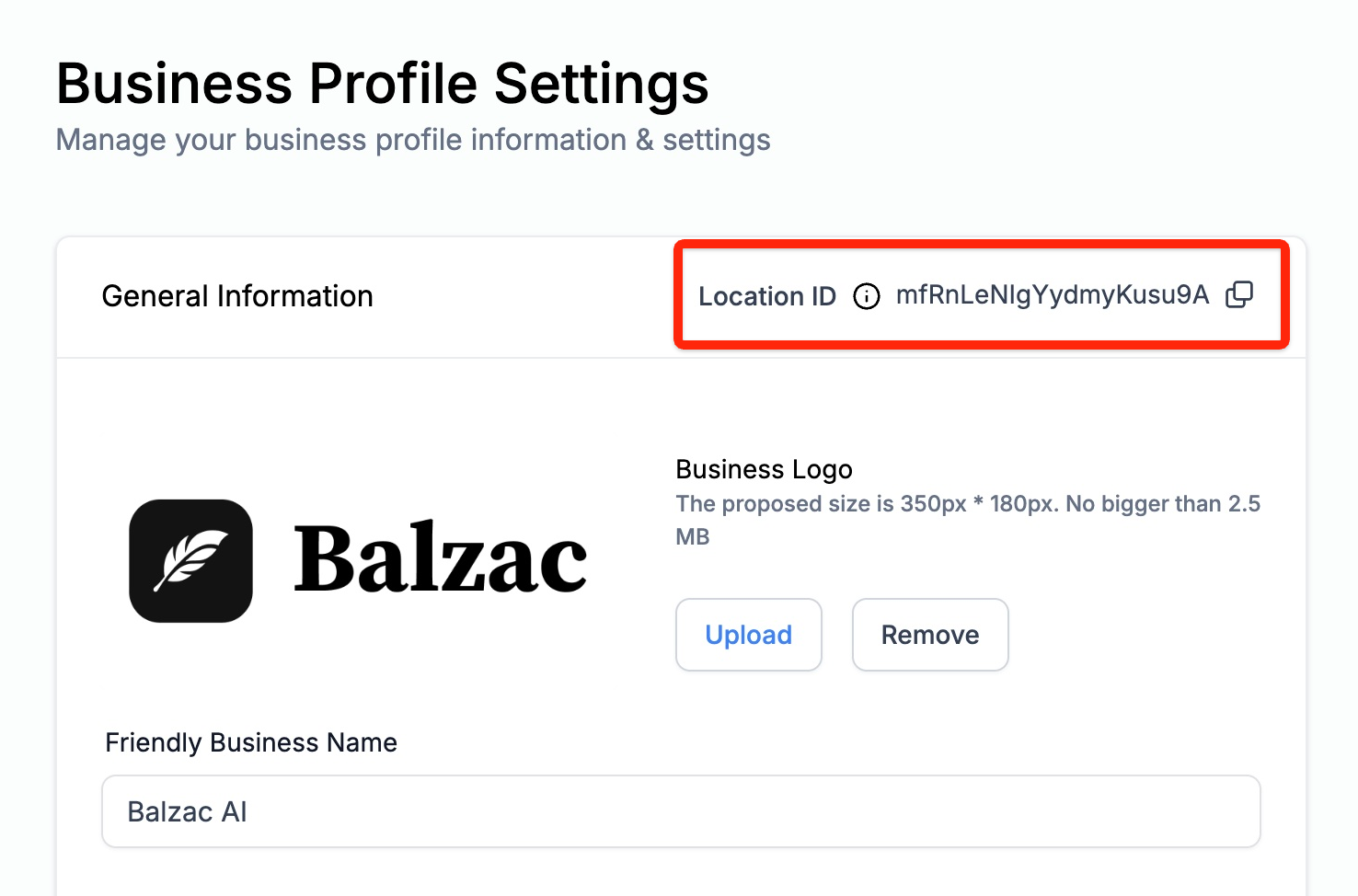
How to find your GoHighLevel Location ID?
Go to Settings > Business Profile. Your Location ID is displayed at the top of the “General Information” section:
How to get a GoHighLevel Access Token?
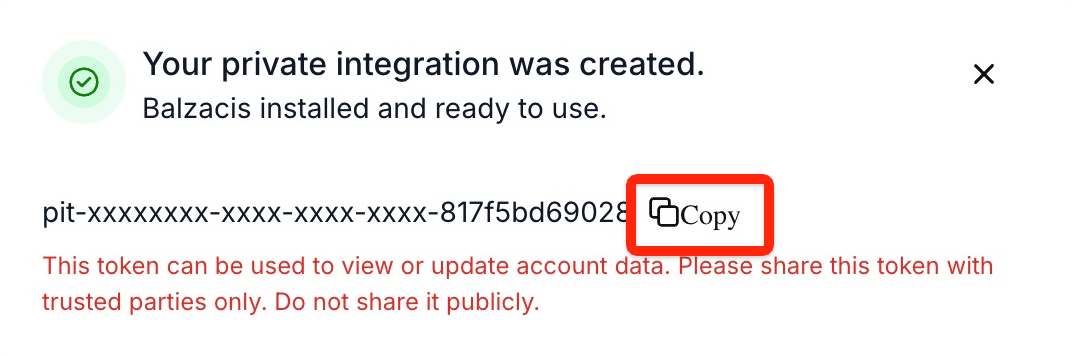
You need to generate an API Access Token from the private integration.
Please note that you’ll likely need a specific GoHighLevel license to access the private integrations and Access Tokens. Please get in touch with GoHighLevel for more information about this.
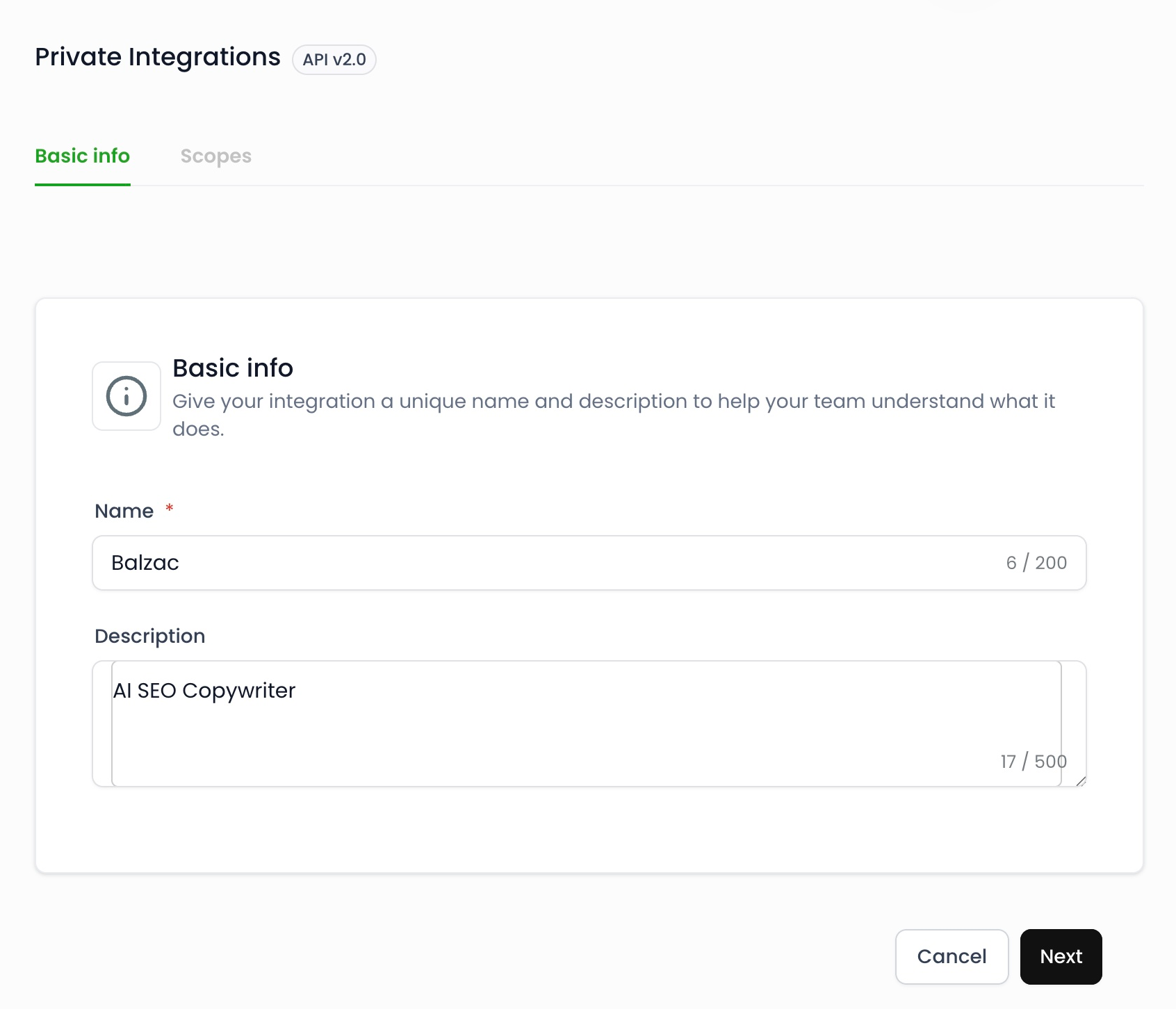
Go to Settings > Private Integrations and click on the “Create New Integration” button.
Give your integration a name and click the “Next” button.
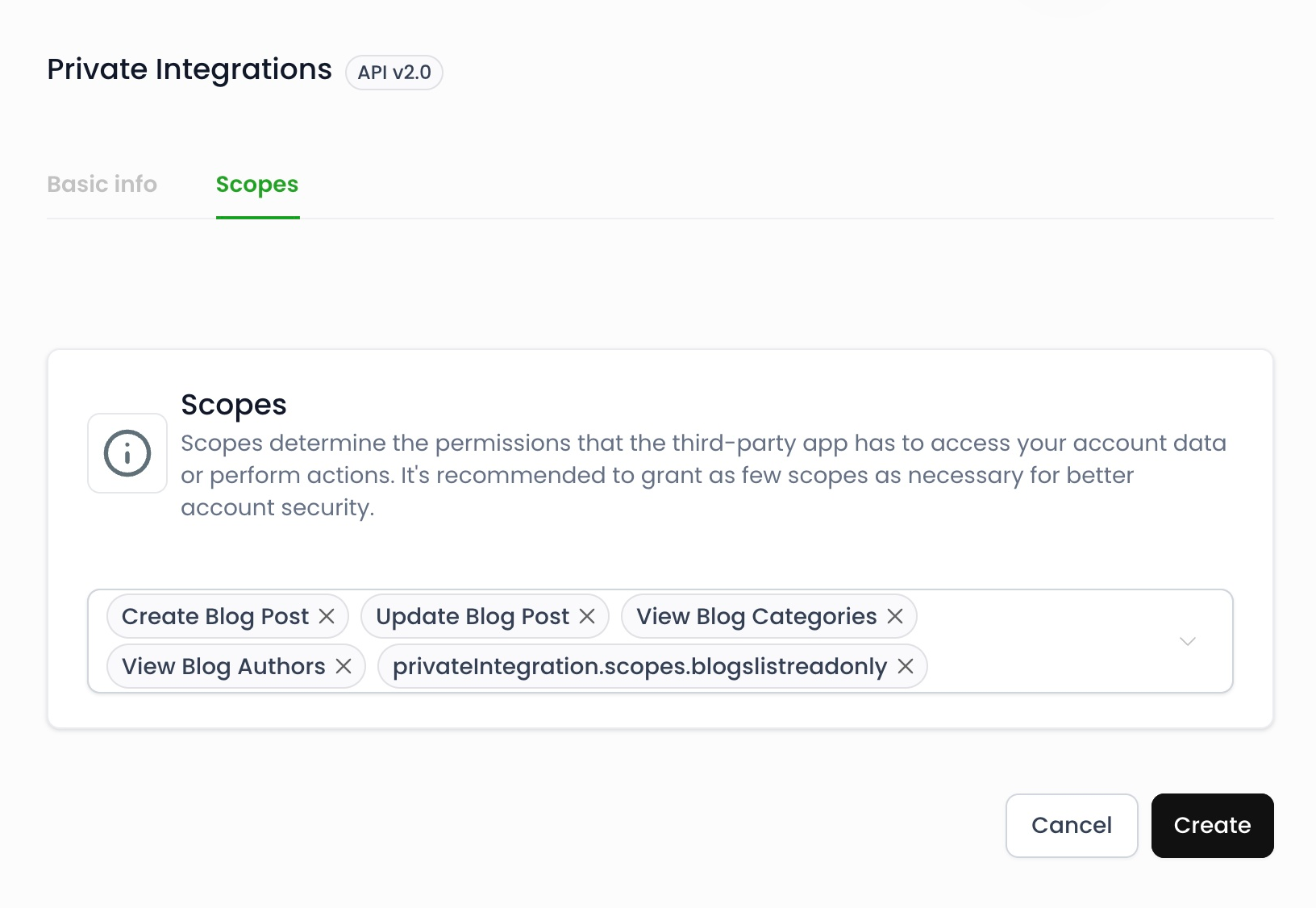
Select these scopes and click on the “Create” button.
- View Blog Authors
- View Blog Categories
- Update Blog Post
- Update Blog Post
- privateIntegration.scopes.blogslistreadonly
Copy your API Access Token and paste it directly into Balzac. Please note that you’ll not be able to copy this key after you close the pop-up.